

Best YouTube SEO Tools: An Honest Buyer’s Guide
Most articles about the best YouTube SEO tools are affiliate-stuffed lists that hand out gold medals to whichever tool pays the highest commission. This guide is different. We have used these tools across multiple channels, and the goal here is to tell you what each one is actually good for, where it falls short, and which free alternatives genuinely deserve a spot in your workflow.
What are the best tools for YouTube SEO?
The best YouTube SEO tools are TubeBuddy and VidIQ for day-to-day optimization, Ahrefs for serious keyword research, and Google Trends paired with YouTube Studio Analytics as free essentials. TubeBuddy wins for in-platform A/B testing and tag management, while VidIQ is stronger for competitor research and growth strategy. Most creators only need one paid tool, plus the free options.

Why YouTube SEO Tools Matter
YouTube is the second-largest search engine in the world. The platform processes billions of searches every month, and search alongside the homepage and suggested-videos surfaces drives a meaningful share of total watch time on the platform. If you publish video and you ignore search optimization, you are leaving real reach on the table.
YouTube SEO tools help with four jobs:
- Finding keywords people actually search. What viewers type in is rarely what you would guess. Tools surface real search volume and related terms.
- Reading the competition. Knowing which titles, tags, and thumbnails are working in your niche shortens the trial-and-error loop.
- Optimizing the upload itself. Title scoring, tag recommendations, A/B testing thumbnails, and chapter generation all live inside SEO tools.
- Tracking what is working. Beyond YouTube’s own analytics, third-party tools surface ranking changes, channel benchmarks, and historical trends.
Even the best tool is not a substitute for a video people want to watch. Tools help you get found. Retention and click-through still come from the work itself.
Top YouTube SEO Tools Comparison
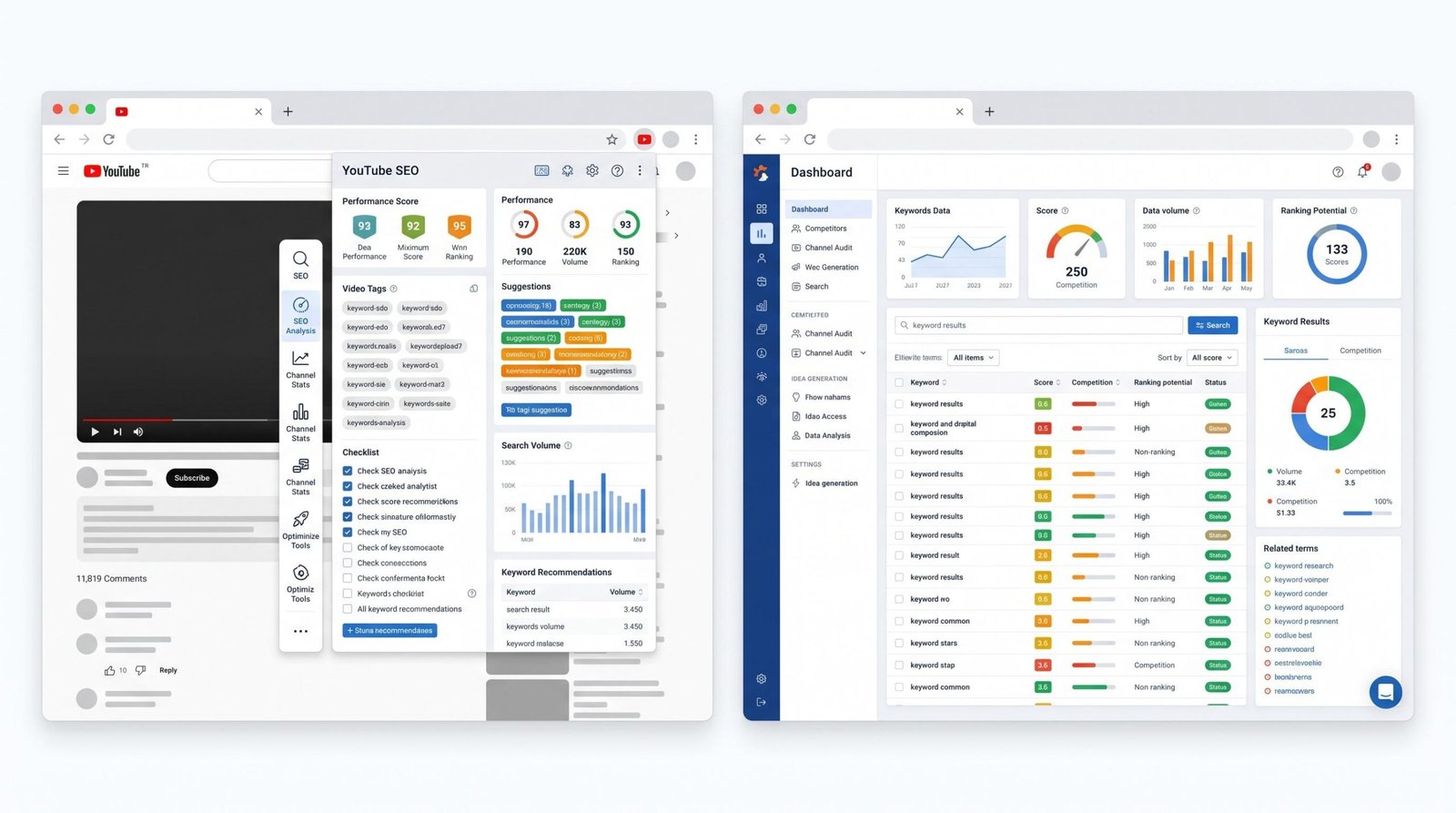
| Tool | Price | Best For | Key Feature | Verdict |
|---|---|---|---|---|
| TubeBuddy | Free tier; paid from $3.99-$22.99/mo | In-platform optimization and A/B testing | Thumbnail and title A/B tests inside YouTube | The strongest pick for active optimization of existing uploads |
| VidIQ | Free tier; paid from $7.50-$79/mo | Competitor analysis and growth strategy | Daily Ideas and channel audit reports | The strongest pick for keyword research and tracking competitors |
| Ahrefs | $129-$449/mo | Deep keyword and SERP research | YouTube Keywords Explorer with global volume data | Worth it if you also run a website. Overkill for video-only creators |
| Keywords Everywhere | Pay per credit, around $1.25 per 10,000 lookups | Fast keyword lookups across multiple platforms | Browser overlay showing YouTube search volume | Cheap, useful, no subscription. Good supplement to other tools |
| Google Trends | Free | Trend timing and seasonality | YouTube search filter for trend comparison | Free, official, underused. We suggest it for every creator |
| YouTube Studio Analytics | Free, built in | Performance data and search source reports | Traffic source breakdown and search term data | The data is canonical. Use it before paying for anything else |
TubeBuddy Deep Dive
TubeBuddy is a browser extension and mobile app that bolts directly onto YouTube Studio. It launched in 2014 and has become one of the most widely installed tools in the creator ecosystem.
What TubeBuddy Is Actually Good For
- A/B testing. The thumbnail and title A/B test feature is the most useful single tool in the platform. It rotates two versions of a thumbnail or title automatically and reports which one wins on CTR and watch time. No other major SEO tool offers this inside YouTube.
- Tag management. Bulk tag editing, tag rankings, and the ability to copy tag sets from your best-performing videos to new uploads.
- SEO Studio. The optimization checklist that runs against each upload, scoring title, description, tags, end screens, and cards.
- Bulk operations. Updating end screens, cards, or descriptions across many videos at once is faster in TubeBuddy than in YouTube Studio.
- Translator features. Automatic title and description translations for creators expanding internationally.
Where TubeBuddy Falls Short
- Keyword research is shallow. The keyword explorer gives directional scores but not actual search volume in the way VidIQ or Ahrefs do.
- Pricing tiers are confusing. Three paid plans with overlapping features. Most useful features sit in the middle and top tiers.
- Channel-level analytics are basic. If you want deep growth tracking and competitor benchmarking, you will outgrow TubeBuddy quickly.
If you are publishing weekly and want to squeeze more performance out of videos you already produce, TubeBuddy is the tool we suggest first.
VidIQ Deep Dive
VidIQ is a browser extension, web dashboard, and mobile app launched in 2011. It is the most direct competitor to TubeBuddy and has leaned more heavily into AI-driven keyword and idea generation over the past few years.
What VidIQ Is Actually Good For
- Keyword research with real volume estimates. The keyword tool shows search volume, competition, and an overall score. You can vet a title concept before you invest the production time.
- Competitor tracking. Add competing channels and VidIQ shows you which of their videos are outperforming, what tags they used, and how their growth compares to yours.
- Daily Ideas. The AI suggestion feed that surfaces topic ideas based on your channel niche and trending searches. This is the feature most experienced creators end up using daily.
- Channel audit and Score. An automated audit that flags optimization gaps across your library.
- Trend alerts. Notifications when topics in your niche start trending.
Where VidIQ Falls Short
- No A/B testing for thumbnails or titles. This is TubeBuddy’s territory and VidIQ has not caught up.
- Higher price for full features. The Boost plan unlocks the strongest research features at the upper end of the pricing scale.
- Feature creep. The interface has gotten busy as VidIQ has added AI tools. Some creators find it overwhelming compared to TubeBuddy’s cleaner browser overlay.
If you are still searching for the right niche, hunting for trend windows, or trying to benchmark against larger channels, VidIQ is the stronger pick.
TubeBuddy vs VidIQ: The Direct Answer
This is the comparison everyone asks about, and the honest answer is that they solve different problems.
Pick TubeBuddy if your channel exists, you publish regularly, and you want to optimize the videos you already make. Its A/B testing and bulk editing tools are best-in-class.
Pick VidIQ if you are growing aggressively, watching competitors, or still figuring out which topics to chase. Its keyword research and competitive tools are deeper.
If you can only afford one, base the choice on where you are stuck. If you make good videos that underperform, TubeBuddy. If you are not sure what to make next, VidIQ.
Some creators run both at a lower tier each. We suggest starting with one paid subscription, learning it well, then deciding whether the second tool justifies the cost.
Free YouTube SEO Tools That Actually Work
You do not have to pay for SEO tooling to compete. These three free tools cover most of what creators need, especially in the first 1,000 subscribers.
YouTube Studio Analytics
The most overlooked tool in YouTube SEO is the one that ships with every channel. Inside YouTube Studio, the Analytics tab gives you the canonical data on which search terms bring viewers to your videos.
Specifically, look at:
- Traffic source: YouTube search. Click into it to see the actual queries that surfaced your videos.
- Top performing content. The titles that earn highest impressions click-through rate tell you what your audience responds to.
- Reach tab. Impressions, click-through rate, and unique viewers across surfaces.
Spend an hour in YouTube Studio every two weeks. The patterns that emerge are more useful than any third-party recommendation engine.
Google Trends
Google Trends has a built-in YouTube search filter. Switch the default web search to YouTube search and you can compare interest across keywords, see seasonal patterns, and time your uploads to peak interest.
One concrete use case: before publishing a video on “winter skincare routine,” check Google Trends for YouTube search to confirm that search interest is actually climbing into autumn and winter rather than peaking in summer. Publishing on the up-slope of a trend beats publishing after the peak almost every time.
Other Free Helpers Most Creators Miss
- YouTube’s autocomplete. Type your seed keyword into YouTube’s search bar with a trailing space and read the suggestions. These are real searches happening on the platform. Combine multiple letter prefixes (your keyword + “a,” your keyword + “b”) to get a wide list.
- Answer The Public (free tier). Surfaces question-format queries that are often easier to rank for than head terms.
- YouTube’s “people also watched” and “up next” rails. Both are free, both surface what YouTube’s algorithm associates with your topic, and both are useful for understanding the broader cluster you are publishing into.
Specialized Tools Worth Knowing
Ahrefs
Ahrefs is a serious SEO platform built for search professionals. Its YouTube Keywords Explorer gives accurate search volume globally, returns related keywords at scale, and integrates YouTube research with broader web SEO.
Worth it if you also operate a website or blog where Ahrefs earns its keep across Google SEO. For video-only creators, the monthly cost is hard to justify.
Keywords Everywhere
A browser extension that overlays search volume and related-keyword data on top of YouTube, Google, and other search engines. It is pay-as-you-go rather than subscription, which makes it attractive for creators who research in bursts rather than continuously.
YouTube Search Suggestions Extractors
A handful of free tools (Keyword Tool’s free tier, KeywordKeg, and similar) scrape YouTube’s autocomplete in bulk. Useful for generating long lists of long-tail keywords without manual letter-by-letter searching.
How to Choose the Right YouTube SEO Tool
Here is a simple decision framework. Answer two questions:
Question 1: What is your channel size?
- Under 1,000 subscribers. Start with the free stack: YouTube Studio Analytics, Google Trends, and YouTube autocomplete. Save your money for production, lighting, or microphones.
- 1,000-10,000 subscribers. Add one paid tool. Pick TubeBuddy or VidIQ based on whether you are optimizing existing content or hunting for new topic territory.
- 10,000+ subscribers. Consider running both TubeBuddy and VidIQ at lower tiers, plus pulling in Ahrefs if you also have a web presence.
Question 2: What is your bottleneck?
- “My videos are good but they don’t get clicked.” Thumbnail and title A/B testing in TubeBuddy.
- “I don’t know what to make next.” VidIQ Daily Ideas and competitor tracking.
- “My videos rank but on the wrong searches.” Keyword research, either VidIQ or Ahrefs.
- “I am missing trending moments.” Google Trends plus VidIQ trend alerts.
Pick the tool that solves the bottleneck you actually have. The strongest tool for someone else may be a waste for you.
Pair Your Tools with the Right Description Strategy
A keyword tool that surfaces “morning routine for productivity” only pays off if your description matches the intent of that search. For the description framework that consistently pairs with strong keyword research, see our guide to writing a YouTube description and the YouTube description template. Shorts creators should also read how to write a YouTube Shorts description, which uses different rules than long-form. For the full pre-publish workflow, the complete creator checklist ties keyword research, description, tags, and thumbnails into one routine.
Frequently Asked Questions
Is TubeBuddy or VidIQ better?
Neither is universally better. TubeBuddy is stronger for in-platform optimization, A/B testing thumbnails and titles, and bulk editing. VidIQ is stronger for keyword research, competitor analysis, and trending topic discovery. We suggest choosing based on your current bottleneck: TubeBuddy if you need to optimize existing videos, VidIQ if you need to find new topics or watch competitors.
Are there free YouTube SEO tools?
Yes. YouTube Studio Analytics is free and gives you canonical data on which searches drive viewers. Google Trends is free and has a built-in YouTube search filter for trend research. YouTube’s own search autocomplete reveals real queries happening on the platform. TubeBuddy and VidIQ also offer free tiers with limited features. Together these free options cover most needs for creators under 1,000 subscribers.
Do YouTube SEO tools actually work?
They help you make better decisions, which compound over time. They will not turn a low-retention video into a hit, but they will help you pick titles that get clicked, tags that match real searches, and topics that have audience demand. The biggest wins usually come from keyword research and A/B testing, not from raw tag stuffing.
What does TubeBuddy do?
TubeBuddy is a browser extension and mobile app that adds optimization features inside YouTube Studio. It runs A/B tests on thumbnails and titles, scores videos against an SEO checklist, manages tags in bulk, generates chapter timestamps, and handles bulk edits across many videos. It is widely used by mid-sized channels for day-to-day optimization.
How do I find keywords for YouTube?
Start with YouTube’s own search autocomplete by typing your topic into the search bar and reading the suggestions. Cross-check with Google Trends using the YouTube search filter to confirm interest is real and growing. For deeper research, paid tools like VidIQ, TubeBuddy, and Ahrefs return estimated search volume, related keywords, and competition data. Then validate against your own YouTube Studio Analytics to see what is bringing viewers today.
Does YouTube have built-in SEO tools?
YouTube Studio includes Analytics, which is the most accurate source of truth for which search terms surface your videos and how they perform. It also offers basic title and thumbnail testing within the platform for eligible channels. YouTube does not provide a dedicated keyword research tool, which is the gap third-party platforms like TubeBuddy and VidIQ fill.