
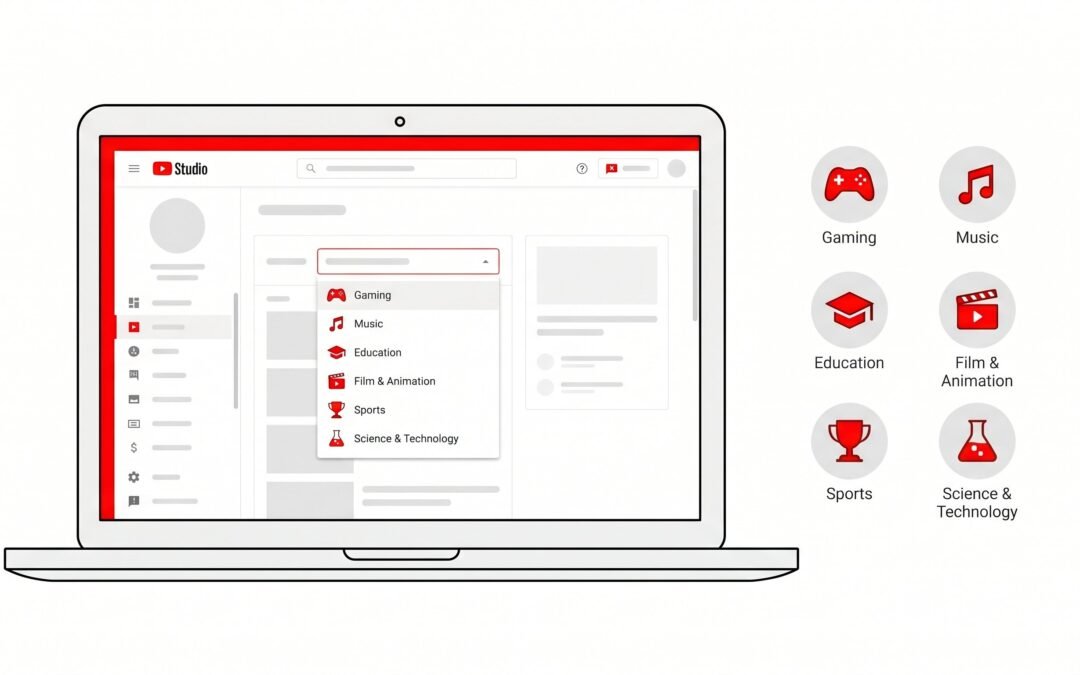
YouTube Video Categories: Complete List + How to Choose (2026 Guide)
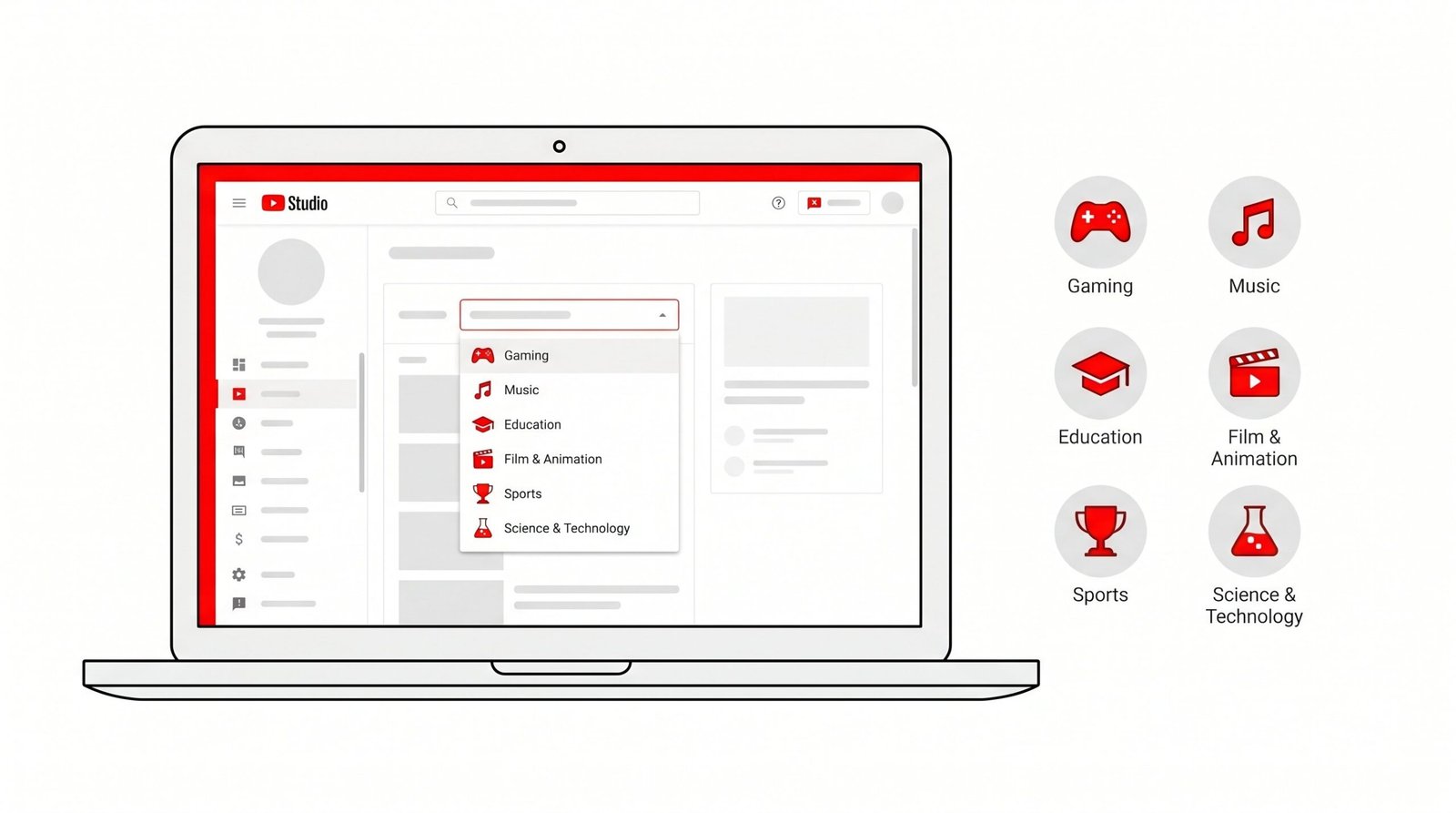
YouTube video categories are 15 official classification labels (Music, Gaming, Education, and so on) that you assign to each upload. They help YouTube’s recommendation system understand what your video is about, especially for new channels with limited watch history. Categories influence initial discovery, API organization, and audience seeding, but they are not a direct search ranking factor.
What Are YouTube Video Categories?
YouTube video categories are the 15 official classification labels that YouTube provides during upload. Every video on the platform belongs to exactly one of these categories. They are not the same as “content types,” “niches,” or “tags.” A travel vlogger and a backpacking tutorial creator might share the same “Travel and Events” category, but their actual content niches differ significantly. A makeup tutorial, a kitchen reno walkthrough, and a guitar lesson all live happily under “How-to and Style,” yet each speaks to a totally different audience.
YouTube uses categories for two main purposes. First, the recommendation engine uses category as a signal during the cold-start phase, when a channel is new and the algorithm has limited behavioral data to work with. Second, categories drive API organization, which is how third-party apps, analytics dashboards, and embedded players sort YouTube content. If you’re serious about your channel growth, pairing the right category with optimized video descriptions is one of the easiest day-one wins.
Here’s the part most creators get wrong: category is one of dozens of signals YouTube weighs, not a magic switch. Pick the closest match to your content, set it once, and move on. Obsessing over category selection is a classic procrastination trap when the real growth levers are titles, thumbnails, hooks, and retention. We’ve reviewed channels with millions of views sitting in technically “wrong” categories. The recommendation engine adapted, because the behavioral data outweighed the metadata mismatch.
One last clarification before diving into the list: YouTube categories are different from “topics” and “tags.” Topics are an internal classification system YouTube builds from your content using machine learning. Tags are creator-supplied keywords that mostly help with disambiguation (think “Apple” the fruit versus “Apple” the company). Category is the only one of the three that you explicitly pick from a fixed list of 15 options. It is also the only one visible in YouTube’s public-facing API as a discrete, numbered field.
All 15 YouTube Video Categories (Full List)
YouTube’s official category list has stayed remarkably stable for years. Here is every category currently available in YouTube Studio, with examples of the kind of content that typically fits each one.
| Category Name | Typical Content | Creator Examples |
|---|---|---|
| Film and Animation | Short films, animated series, movie trailers, film analysis | Animation studios, indie filmmakers, movie review channels |
| Autos and Vehicles | Car reviews, repairs, racing, motorcycle content | Donut Media, Doug DeMuro, automotive vloggers |
| Music | Official music videos, covers, lyric videos, performances | Major labels, indie musicians, cover artists |
| Pets and Animals | Pet videos, wildlife footage, animal training, rescues | The Dodo, dog trainers, wildlife channels |
| Sports | Highlights, analysis, training, athlete vlogs | ESPN, sports analysts, athlete-run channels |
| Travel and Events | Travel vlogs, destination guides, event coverage | Drew Binsky, travel guides, festival recap channels |
| Gaming | Let’s plays, walkthroughs, esports, game reviews | MrBeast Gaming, Markiplier, esports orgs |
| People and Blogs | Personal vlogs, lifestyle content, daily life | Lifestyle vloggers, family channels, daily diary creators |
| Comedy | Sketches, stand-up, parody, comedic commentary | SNL clips, sketch creators, comedy podcasts |
| Entertainment | Variety content, celebrity coverage, broad-appeal videos | Late night shows, reaction channels, MrBeast main channel |
| News and Politics | News reports, political commentary, current events | News outlets, political commentators, journalists |
| How-to and Style | Tutorials, beauty, fashion, DIY, home improvement | Beauty gurus, DIY channels, lifestyle tutorial creators |
| Education | Lessons, lectures, educational explainers, courses | Khan Academy, Kurzgesagt, TED-Ed |
| Science and Technology | Tech reviews, science explainers, gadget content, coding | MKBHD, Veritasium, tech reviewers |
| Nonprofits and Activism | Charity content, social causes, advocacy videos | Nonprofit orgs, activist creators, awareness campaigns |
YouTube also assigns a numeric ID to each category. These IDs (Gaming is 20, Music is 10, Education is 27, and so on) are visible to anyone using the YouTube Data API. Creators building analytics dashboards, scheduling tools, or content management systems will run into these IDs constantly. If you want a deeper view of how the platform organizes content programmatically, pair your category strategy with solid YouTube keyword research so you’re feeding the API matching signals across the board.
Do YouTube Categories Actually Matter?
This is the most misunderstood question in YouTube SEO, and the honest answer has nuance. Categories matter, but not equally across every channel or use case. Here’s the breakdown.
For New Channels (Cold-Start Phase)
Categories matter more for new channels than for any other situation. When a channel has fewer than a few hundred subscribers and sparse watch history, YouTube’s recommendation engine has very little behavioral data to work with. The algorithm needs signals to figure out where to test your video first. Category is one of those seed signals.
A new channel categorized as “Gaming” gets shown to gaming-adjacent viewers first. A new channel marked “Education” gets routed toward users who watch educational content. This early audience seeding shapes who clicks, who watches, and who subscribes, which then shapes every recommendation that follows. Getting the category right at launch has compounding value.
For Established Channels
Once a channel has months of watch behavior, category becomes a secondary signal. YouTube’s algorithm shifts heavily toward actual behavioral data: who watches your videos, what else those viewers watch, your click-through rate, average view duration, and audience retention curves. The system has learned what your channel is and who likes it. Category is still a tag in the metadata, but its influence on recommendations drops significantly.
For YouTube Search
Category is not a direct ranking factor in YouTube search. The query “best gaming chair 2026” surfaces videos based on title relevance, description match, watch time, freshness, and engagement, not whether the video is in the Gaming category. This is also why YouTube tags get more attention than they deserve from new creators. Keywords in titles and descriptions move the needle far more than either category or tags.
For the YouTube API and Embedded Players
Category absolutely affects how your video gets classified outside YouTube itself. Third-party apps that pull content via the YouTube Data API filter by category constantly. Embedded players on news sites, blogs, and aggregators use category to display “related” content. If you build analytics tools or sell content licensing, category becomes a real organizational unit, not a soft suggestion. For the full picture of how categories interact with other ranking signals, our guide to YouTube SEO walks through the hierarchy.
So the honest summary: categories matter most for new channels and least for established ones, they help with discovery but not search ranking, and they have outsized influence on how your content gets exposed through anything that pulls from the YouTube API. Worth setting correctly, not worth obsessing over once set.
Which YouTube Categories Get the Most Views?
Raw view counts depend overwhelmingly on content quality, niche demand, title and thumbnail work, and SEO. Category alone does not pump up views. That said, some categories play in larger pools than others, and creator-reported analytics show real patterns.
| Category | Average Views Potential | Why |
|---|---|---|
| Music | Highest | Massive global audience, repeat-listen behavior, viral potential through trends and remixes |
| Gaming | Very High | Huge built-in audience, strong session behavior, esports and streaming overlap drive views |
| Entertainment | Very High | Broadest possible audience, but high competition and weak algorithmic specificity |
| Education | High Engagement | Lower raw views but higher watch time per viewer, strong return audience |
| How-to and Style | High Engagement | Search-driven views with high intent, evergreen content potential, strong saves and shares |
| People and Blogs | Moderate | Most accessible starting point but weakest category-match signal, harder to seed |
| Science and Technology | High | Strong CTR potential, brand-friendly, repeat viewership, healthy CPMs |
| News and Politics | Variable | Spikes around events, can go viral but content shelf-life is short |
| Nonprofits and Activism | Lowest | Smallest category audience, low recommendation density, niche appeal |
One nuance worth calling out: Music, Gaming, and Entertainment have the highest raw view ceilings, but they also have the most competition. A well-optimized Education channel can outperform a generic Entertainment channel because the algorithm has a clearer signal to work with. Category size is not destiny. We suggest pairing your category choice with smart YouTube hashtags to improve discoverability without leaning on category alone.
It’s also worth noting that view counts vary wildly within categories. A small Gaming channel covering a niche indie game might average a few hundred views per video, while a major Gaming creator hits seven figures. Same category, totally different outcomes. The category sets the audience pool size, but your content, hooks, and consistency decide how much of that pool you actually reach. We’ve seen Education channels covering tax preparation or financial literacy outperform mainstream Entertainment channels by 10x on watch time per viewer, simply because the intent of the audience is higher.
If you’re early in your channel and trying to pick between two categories that both seem to fit, look at audience intent. A category like Education attracts viewers who want to learn something specific. A category like Entertainment attracts viewers in browse mode. Both are valid, but they pull different viewer behaviors. High-intent categories tend to deliver lower view counts but higher retention, which is what the algorithm actually rewards. Low-intent categories deliver higher view counts but more shallow engagement.
How to Set a Category for a YouTube Video
Setting a category on YouTube takes about ten seconds once you know where the option lives. The setting is buried in the advanced section of YouTube Studio, which is why many creators never set one at all and leave their videos uncategorized or stuck on a wrong default.
In YouTube Studio (Web)
- Sign in to studio.youtube.com using the Google account tied to your channel.
- Click Content in the left sidebar to see all your uploaded videos.
- Click on the video you want to edit (or hover and click the pencil icon to open the details view).
- Scroll down past the title, description, and thumbnail fields, and click Show more to expand the advanced settings panel.
- Find the Category dropdown in the advanced section.
- Select the appropriate category from the list of 15 options.
- Click Save in the top right corner. The change applies immediately.
Setting a Default Category for All Uploads
If you consistently make content in one category, setting a default saves you the click on every upload. This is the single best workflow tweak for creators who batch-record or upload frequently.
- In YouTube Studio, click Settings (the gear icon in the bottom left of the sidebar).
- Select Upload defaults from the settings menu.
- Click the Advanced tab at the top of the dialog.
- Choose your default Category from the dropdown.
- Click Save. This applies to all future uploads, though you can override per-video.
Pro tip: combine your category default with default tags, default description boilerplate, and default visibility settings. Google’s documentation on YouTube Studio upload defaults covers the full set of fields you can pre-populate. We suggest setting these once during your channel setup so you never publish a video with a wrong category by accident.
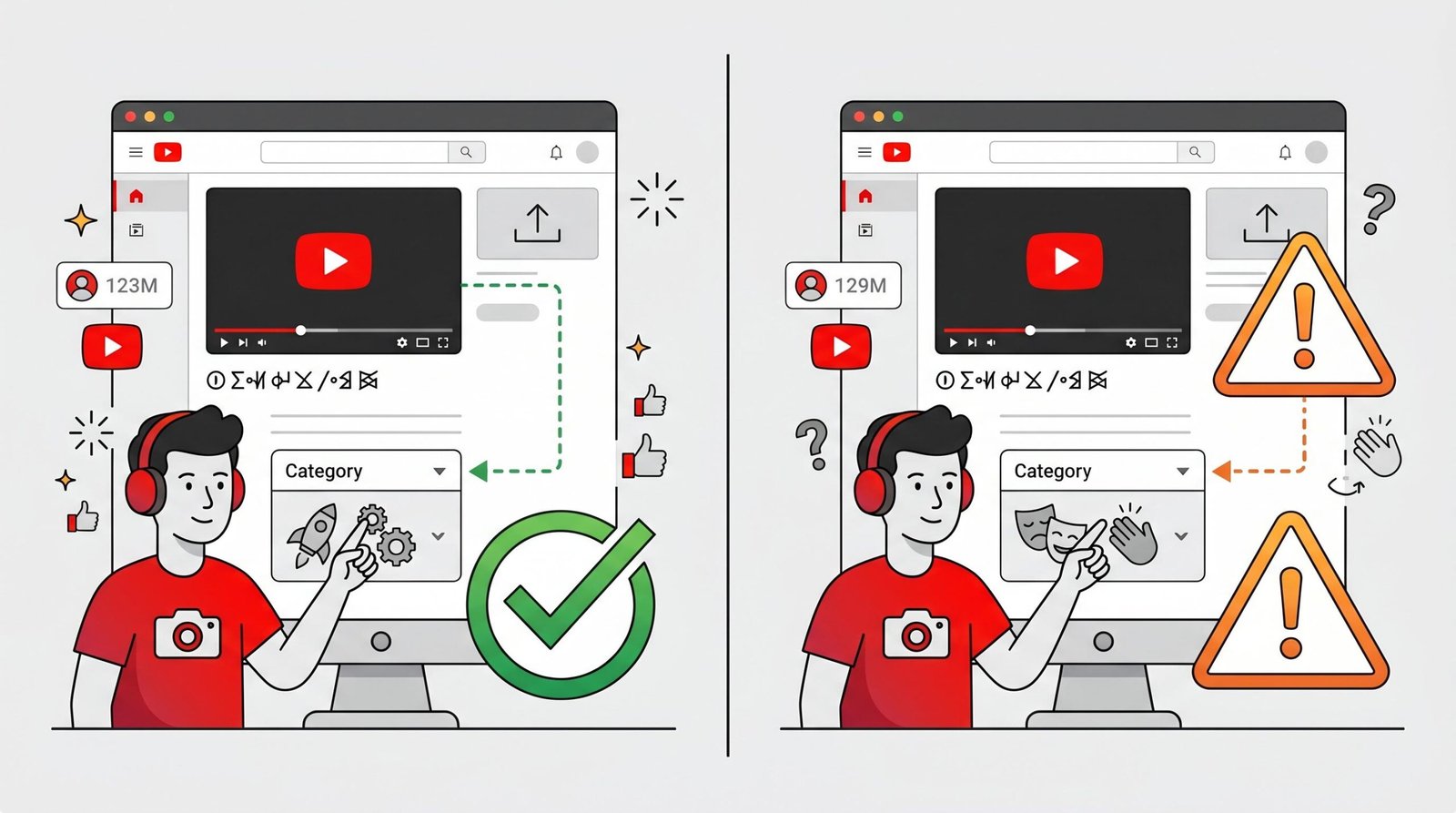
How to Choose the Right YouTube Category
Picking the right category is mostly a matter of honest pattern matching. Look at the bulk of what you produce, find the closest fit, and commit. Five practical rules to make the decision quick.
- Match the majority of your content. If 80 percent of your videos are tutorials, use “How-to and Style” or “Education.” Do not pick “Entertainment” because you occasionally post entertainment-style content. The algorithm rewards consistency.
- Be specific rather than broad. “Gaming” beats “Entertainment” for a gaming channel every time. The more specific your category, the better the algorithm can route your content to interested viewers.
- “People and Blogs” is a catchall, not a default. Use it only if your content genuinely does not fit any specific category. It signals to YouTube that your channel has no clear niche, which makes early seeding harder.
- Consider monetization dynamics. Some categories (Music, Entertainment) have different ContentID and copyright dynamics that affect monetization rates and claim frequency. Music channels in particular face more aggressive ContentID matching.
- Don’t overthink it. Pick the closest match and move on. Your content quality, hooks, titles, thumbnails, and descriptions matter far more than category for actual rankings and views.
Here’s a quick-reference table mapping common channel types to their best category fit.
| My Channel Type | Best Category Choice |
|---|---|
| Gaming streams or let’s plays | Gaming |
| Beauty tutorials or makeup | How-to and Style |
| Tech explainers or product reviews | Science and Technology |
| Cooking and recipes | How-to and Style |
| News commentary or politics | News and Politics |
| Animal videos or pet training | Pets and Animals |
| Online courses and lessons | Education |
| Music videos or covers | Music |
| Travel vlogs | Travel and Events |
| Car reviews or auto repair | Autos and Vehicles |
| Sketch comedy or parodies | Comedy |
| Daily life or family vlogs | People and Blogs |
| Charity or advocacy content | Nonprofits and Activism |
| Sports highlights or analysis | Sports |
| Short films or animation | Film and Animation |
Beyond category selection, your thumbnail and title combination drives CTR, which then drives algorithmic placement. Category gets you into the right room. Everything else decides whether viewers stay.
Common YouTube Category Mistakes
Most category mistakes come from creators either ignoring the setting entirely or treating it like a marketing channel to optimize. Both extremes cost views. Here are the patterns we see most often.
- Choosing “Entertainment” for everything. It feels safe and broad, but it is the algorithmic equivalent of saying “I make videos.” Too broad to give the recommendation system anything useful.
- Picking a category based on which gets the most views. Music gets the most views because the entire global music industry uses YouTube as a distribution channel. Your podcast clip will not benefit from being labeled Music.
- Changing categories frequently. Bouncing your videos between categories creates inconsistent signals and confuses the audience matching. Pick one and stick with it for at least 30 to 60 days before reassessing.
- Ignoring the “Show more” settings entirely. Many creators never expand the advanced section at upload and never set a category at all. YouTube assigns a default, often one that does not match the content.
- Using “People and Blogs” when a more specific category applies. It is the catchall, not the default. Specific categories give the algorithm clearer seeding signals.
- Treating category as a ranking lever. Category is metadata, not a growth hack. Your titles, descriptions, hooks, and retention curves do the heavy lifting.
For the canonical reference on every category and its API ID, see YouTube’s API documentation on video categories. Worth bookmarking if you ever build automation around your channel.
One sneaky mistake creators make: assuming the category they see in YouTube Studio matches what new viewers see. Some categories are listed but not assignable in all regions. Others get retired or merged without much fanfare. If you upload from a region where a category is unavailable, YouTube auto-assigns the closest match. Always verify the category sticks after upload by reopening the video in Studio.
Another quiet trap: relying on the YouTube Studio mobile app to set categories. The mobile app has had inconsistent advanced-settings access historically, and creators have reported videos uploaded via mobile defaulting to People and Blogs because the category field wasn’t surfaced during upload. If category accuracy matters to you, set categories from the desktop Studio interface or configure upload defaults so the mobile app inherits your preferred choice.
YouTube Video Categories FAQ
What are the 15 YouTube video categories?
The 15 official YouTube video categories are Film and Animation, Autos and Vehicles, Music, Pets and Animals, Sports, Travel and Events, Gaming, People and Blogs, Comedy, Entertainment, News and Politics, How-to and Style, Education, Science and Technology, and Nonprofits and Activism. Every video uploaded to YouTube must be assigned to one of these categories. The list has remained stable for years, though YouTube occasionally adjusts how categories are surfaced in the upload flow and Studio interface.
Does the YouTube category affect views or rankings?
Categories influence views indirectly through initial audience seeding, especially for new channels in the cold-start phase. They are not a direct ranking factor in YouTube search, where keywords in titles and descriptions carry far more weight. For established channels with months of watch-behavior data, category becomes a secondary signal because the algorithm has learned who actually watches your content. We suggest treating category as foundational metadata you set once correctly, not as a growth lever to keep tuning.
Can I change my YouTube video category after uploading?
Yes, you can change a video’s category at any time after upload through YouTube Studio. Open the video in Studio, scroll to “Show more” in the advanced settings, select a new category from the dropdown, and click Save. The change takes effect immediately and does not reset any of your video’s existing watch history, view count, or engagement metrics. That said, frequent category changes can create inconsistent signals, so we suggest changing only when the original choice was clearly wrong.
What’s the best YouTube category for a new channel?
The best category for a new channel is the most specific one that matches at least 70 to 80 percent of the content you plan to create. Specific categories give YouTube’s recommendation engine a clearer signal during cold-start, which translates into faster audience matching and better early growth. If you create gaming content, use Gaming, not Entertainment. If you teach skills, use Education or How-to and Style, not People and Blogs. The single biggest mistake new creators make is defaulting to broad categories.
Is “People and Blogs” a good category for YouTube?
“People and Blogs” is a fine category for genuinely personal, lifestyle, or vlog-style content that does not fit a specific niche. It is a poor choice when a more specific category applies, because it signals to the algorithm that your channel lacks a clear theme. Personal finance creators should pick Education, beauty vloggers should pick How-to and Style, and gaming streamers should pick Gaming, regardless of how “vloggy” the videos feel. Use People and Blogs only as a true last resort.
Do YouTube Shorts use the same categories?
Yes, YouTube Shorts use the same 15 video categories as long-form content, though the Shorts recommendation system relies more heavily on engagement signals and less on category metadata. The Shorts feed is driven primarily by swipe-through behavior, watch completion rates, and replays. Category still shows up in the API and helps with classification, but it has less practical impact on Shorts distribution than it does on standard videos. Setting an accurate category is still worth the ten seconds it takes.
What category should I use for educational content?
For traditional educational content like lessons, lectures, explainers, and tutorials with informational intent, use Education. For practical, skill-based how-tos like DIY projects, cooking, beauty, or home improvement, use How-to and Style. The distinction is intent: Education is about understanding concepts, while How-to and Style is about completing a specific task. Channels that blend both can pick whichever category fits the majority of their content, and we suggest sticking with that choice for at least a quarter before reassessing.
Does YouTube category affect monetization or ContentID?
Category does not directly affect whether your channel is eligible for the YouTube Partner Program or your overall monetization status. However, certain categories like Music and Entertainment have different ContentID dynamics, with more aggressive automated copyright matching that can lead to claims, demonetization, or revenue sharing with rights holders. News and Politics videos sometimes face advertiser sensitivity that affects ad rates. Education and Science and Technology generally have healthier CPMs because the audiences are advertiser-friendly. We suggest reviewing YouTube’s monetization policies and ContentID rules separately from your category choice, since they operate as independent systems.
For deeper optimization of every video you publish, our description templates pair well with whichever category you choose, giving you a repeatable system that handles category, description, and hashtags in one workflow.
Putting It All Together
Categories are infrastructure, not strategy. They tell YouTube and the broader API ecosystem what your video is at the most basic level. A correct category gives the recommendation engine a clean starting point for cold-start audience matching, helps third-party tools and embedded players surface your content accurately, and ensures your channel reads as coherent when YouTube’s systems look at the metadata across all your uploads. A wrong category creates friction in every one of those areas.
The practical workflow we suggest looks like this: pick the most specific category that matches the bulk of your content, set it as your upload default, verify each upload before publishing, and revisit the choice only if your channel pivots significantly. That’s the entire category-setting workflow. Everything else (titles, descriptions, thumbnails, hooks, retention curves) is where the real growth work happens.
If you’re brand new to YouTube and reading this before you’ve uploaded your first video, lock in your category before anything else. It’s the cheapest, fastest decision you’ll make, and it pays compounding returns through the cold-start phase. If you’re an established creator who has never thought about category, open Studio, audit your top 10 videos, and check whether the category matches the content. Fixing mismatches takes minutes and clarifies your channel’s signal to YouTube going forward.