

Best Time to Post on YouTube in 2026 (Data + Your Analytics Guide)
Quick Answer: The best time to post on YouTube is between 2pm and 4pm on weekdays and 9am to 11am on weekends, based on aggregate creator data. Upload 1 to 2 hours before your audience peak so YouTube has time to index the video. For accurate results, check your “When your viewers are on YouTube” heatmap inside YouTube Studio Analytics.
Every YouTube guide gives a different “perfect” posting time. One says 3pm Thursday. Another swears by 10am Sunday. A third insists 5am on weekdays is the secret. They are all partially right and mostly wrong, because none of them are measuring your audience.
Posting time matters, but not in the way most articles describe. It matters because YouTube’s algorithm weighs early engagement velocity heavily, and the wrong upload time can starve your video of those critical first-hour signals. This guide walks through the actual mechanism behind why posting time affects views, gives you general time windows backed by creator research, and shows you exactly how to find the data that matters most: your own.
Does Posting Time Actually Matter on YouTube?
Yes, but the reason is more interesting than “more people are online at 3pm.” YouTube uses a signal called engagement velocity to decide how aggressively to distribute your video. In the first 24 to 48 hours after publication, the algorithm watches for views per hour, click-through rate from impressions, average view duration, likes, comments, and shares. A video that earns strong signals quickly gets pushed into Suggested videos, the Home feed, and Browse surfaces. A video that drips along slowly often stalls there.
Think of the first hour after upload as an audition. If subscribers and search visitors engage strongly during that window, YouTube concludes the content resonates and widens the audience. If the early data is flat, the system caps distribution and the video struggles to recover later, even if the content is excellent.
This is why posting time is not really about “when people are online.” It is about whether you can stack the deck for that critical early engagement window. If you upload at 4am and your audience does not arrive for ten hours, your video sits dormant during the window that matters most for ranking signals.
That said, posting time is one variable in a much larger system. Title quality, thumbnail click-through rate, and topical relevance still drive the bulk of performance. A well-timed upload with a weak thumbnail will underperform a poorly-timed upload with a great hook. If you want to layer timing on top of fundamentals, work through our complete YouTube video optimization checklist first, then dial in your schedule.
The Right Time Window: General Data
Aggregate research from creator platforms and YouTube analytics studies consistently surfaces similar time windows. These are based on patterns observed across millions of videos, so treat them as a starting hypothesis, not a guarantee. Your channel may differ.
Long-form videos perform best in the late afternoon and early evening on weekdays, when commute and post-work viewing peaks. Weekends shift earlier into the morning, when audiences settle in for longer viewing sessions. Shorts skew earlier in the day across all days because Shorts viewing happens in short, frequent bursts throughout commutes, lunch breaks, and morning routines.
| Day | Best Time Window (Long-Form) | Best Time Window (Shorts) |
|---|---|---|
| Monday | 2pm to 4pm | 6am to 8am |
| Tuesday | 2pm to 4pm | 7am to 9am |
| Wednesday | 3pm to 5pm | 8am to 10am |
| Thursday | 2pm to 4pm | 8am to 10am |
| Friday | 12pm to 3pm | 7am to 9am |
| Saturday | 9am to 11am | 6am to 8am |
| Sunday | 9am to 11am | 7am to 9am |
All times reflect the time zone of your majority audience. If most of your viewers live in the eastern United States, set your schedule to Eastern Time. If your audience is split between continents, optimize for the largest segment first.
These windows are general patterns, not absolutes. A cooking channel will see different peaks than a gaming channel, and a niche aimed at retirees follows a completely different rhythm than one aimed at college students. We get to the personalized version a few sections down.
Post 1-2 Hours Early: Why Timing Your Upload Is Different From Timing Your Audience
Here is the timing detail most guides skip. YouTube does not publish your video the instant you hit upload. After processing, the platform indexes the title, description, tags, transcript, and thumbnail. It runs preliminary content classification. It builds the initial set of impression candidates. This processing window typically takes 15 to 30 minutes for standard videos, sometimes up to an hour for longer content or 4K uploads.
If you upload at 3pm because your audience is online at 3pm, here is what actually happens. By 3:15 or 3:30pm, your video finally becomes fully discoverable. Your audience has already been browsing for 15 to 30 minutes. Subscriber notifications go out late. The first wave of impression signals lands during the back half of the peak rather than the front. You lose the strongest part of your audition window.
The fix is straightforward: upload one to two hours before your audience peak hits. If your viewer heatmap lights up at 3pm, schedule the video to publish at 1pm or 2pm. By the time your audience arrives, the video is fully indexed, the suggested-video graph has populated, search results include it, and notifications have already been delivered to subscribers who will check YouTube at peak hour.
YouTube Studio includes a scheduling feature in the upload flow. Set the publish date and time during upload and the platform handles the rest. We suggest scheduling upload at least 1 hour before your peak rather than relying on manual publishing, which introduces last-minute risk and forgets the indexing window entirely.
One quick mental model: peak viewing time is when your audience is most likely to click. Peak posting time is when the video needs to be ready for them to click. These are two different times, and the gap is roughly the indexing window plus a buffer.
Shorts vs. Long-Form: Why Timing Affects Them Differently
YouTube Shorts and long-form videos live in two different distribution systems. Treating them the same way is the most common mistake new creators make when planning a posting schedule.
Long-form videos are distributed through subscriber notifications, search results, and the Suggested videos panel beside other videos. All three of these surfaces respond strongly to recency and early engagement. A long-form video lives or dies in the first 24 to 48 hours, with the algorithm watching closely to decide whether to expand reach. Posting time pushes meaningful weight onto that early signal because subscribers who get notifications drive the initial view spike.
Shorts are distributed primarily through the Shorts shelf and the Shorts feed, which serves content algorithmically based on viewer interest patterns rather than strict recency. A Short can sit quietly for two days, then go viral on day three when the algorithm finds the right viewer cohort. The feed is continuous and personalized. Timing matters for initial seeding, but the compounding effect of “post at exactly 3:15pm” is much weaker because most views will not come from subscriber notifications. They come from the feed, where viewer behavior signals dominate.
For Shorts, focus on three signals above timing: hook in the first second, completion rate, and shareability. A Short that holds 70 percent average completion rate will dramatically outperform a Short with perfect timing and a weak opening. Time-of-day matters for the initial seeding pool, so still aim for windows when your audience is active, but stop obsessing about the exact hour.
For long-form, timing matters more because subscriber notification velocity directly drives the algorithm’s early read on the video. Stick to a consistent schedule, publish before the audience peak, and let the indexing window work in your favor.
How to Find YOUR Best Posting Time (Step-by-Step)
Every aggregate study measures a different audience pool, which is why no two sources agree. The only data that matters is the data from your own channel. YouTube Studio gives you this for free in a heatmap most creators have never opened.
Here is how to find it.
Step 1: Open YouTube Studio
Sign into your YouTube channel and click your profile picture in the top right corner. Select YouTube Studio from the dropdown menu. This takes you to your creator dashboard, not the regular YouTube interface.
Step 2: Navigate to Analytics, Then Audience
From the left sidebar inside YouTube Studio, click Analytics. The dashboard opens to Overview by default. Click the Audience tab at the top of the analytics panel.
Step 3: Find “When Your Viewers Are on YouTube”
Scroll down the Audience tab until you see a heatmap titled “When your viewers are on YouTube.” It looks like a grid with days of the week running down the left side and hours of the day running across the top. Each cell is shaded according to how much of your audience is active during that hour.
Step 4: Read the Heatmap
Lighter cells indicate low audience activity. Darker, more saturated cells indicate higher activity. Look for the darkest squares, those are your peak windows. Most channels show two or three concentrated patches per week rather than one universal peak. Note the times and days that consistently show the deepest color.
The heatmap aggregates data from the last 28 days, so it reflects current audience behavior rather than ancient patterns. If your channel is growing fast, recheck the heatmap monthly because your peak windows can shift as new subscribers join.
Step 5: Cross-Reference With the Indexing Buffer
Once you identify your peak windows, subtract one to two hours and that is your upload target. If your darkest square is Tuesday at 4pm, schedule your Tuesday upload for 2pm or 3pm. By 4pm the video is fully indexed, notifications have shipped, and the suggested-video graph has begun to populate.
One important note about time zones: the heatmap shows times in the time zone set in your YouTube Studio account, which defaults to your local time. If your audience is in a different region, double-check the time zone setting under Settings before reading the heatmap, or you will plan your schedule against the wrong reference frame.
If your channel is under three months old, the heatmap may be sparse or missing. That is normal. Until you have a few hundred subscribers and consistent video output, fall back to the general windows in the table above and revisit your heatmap monthly.
New Channels vs. Established Channels: Different Strategy
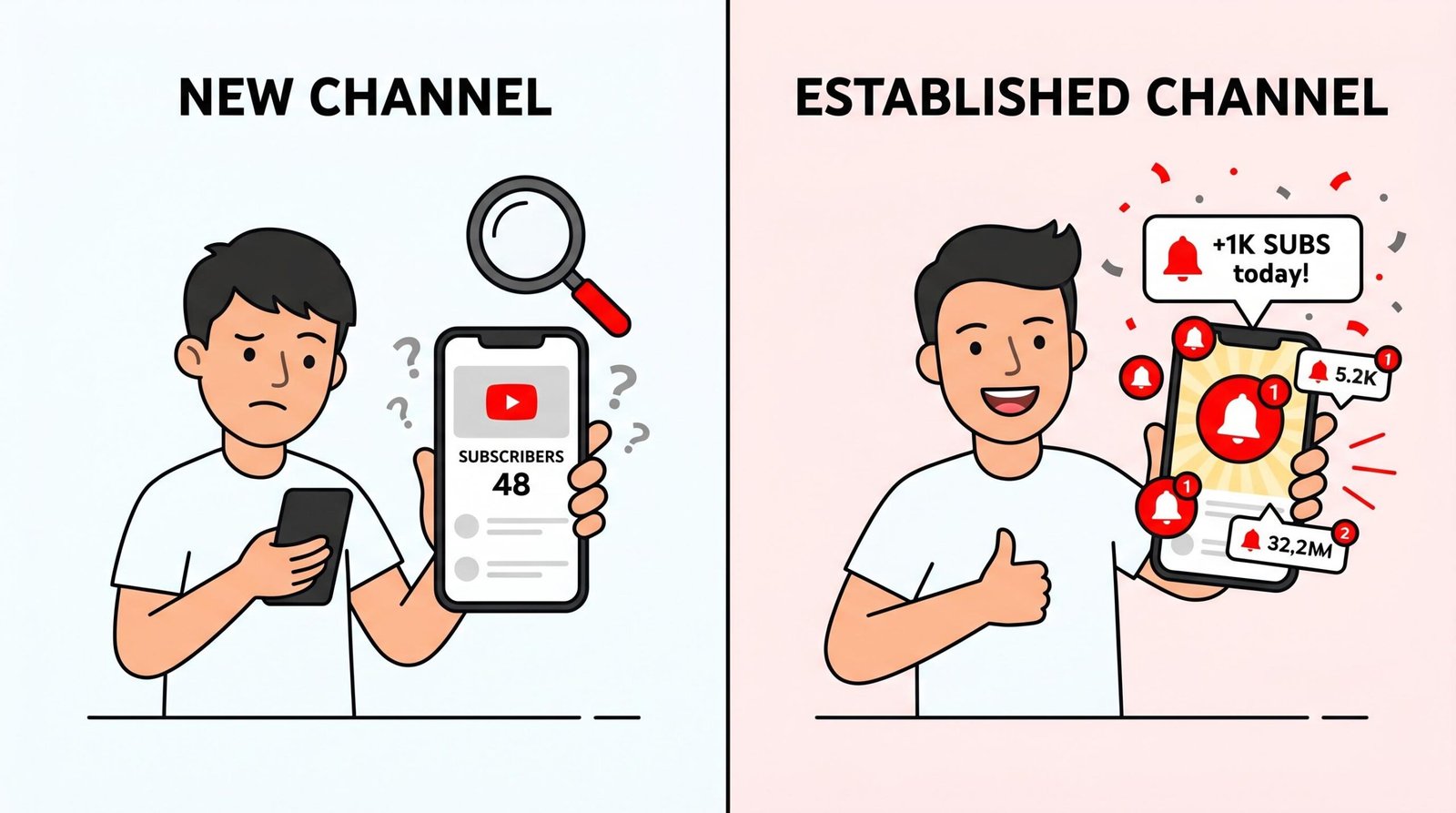
Posting time matters very differently depending on how many subscribers you have. Most generic guides give the same advice to a 50-subscriber channel and a 500,000-subscriber channel, which is a mistake. The distribution mechanics are not the same.
For a channel under 1,000 subscribers, discovery comes almost entirely from search and from Suggested videos that pair your content with similar established creators. Subscriber notifications barely move the needle because there are not enough subscribers to create a meaningful early-engagement spike. The math just is not there yet. For these channels, video SEO, keyword targeting, title click-through rate, and thumbnail quality drive the vast majority of views. Posting time is a secondary lever at best.
For a growing channel between 1,000 and 10,000 subscribers, the dynamics begin to shift. Subscriber notifications start producing measurable early views. The algorithm has enough engagement data to make confident decisions about distribution. This is the stage where you should build a posting habit and begin tracking your audience heatmap monthly. Consistency is more valuable than perfect timing here, because you are training subscribers and the algorithm at the same time.
For an established channel over 10,000 subscribers, subscriber notification velocity in the first hour is critical. With thousands of potential early viewers, the difference between hitting peak and missing it by two hours is the difference between a video that gets pushed broadly and one that stalls. Established channels should stick rigidly to a consistent schedule, publish at least an hour before audience peak, and treat their heatmap as required reading.
| Channel Stage | Timing Priority | Primary Focus |
|---|---|---|
| Under 1,000 subscribers | Low | Search SEO, titles, thumbnails, evergreen content |
| 1,000 to 10,000 subscribers | Medium | Build consistency, start tracking heatmap, refine niche |
| Over 10,000 subscribers | High | Notification velocity, exact timing, premiere strategy |
If you are in the under-1,000 phase, pour your energy into search optimization. Strong YouTube keyword research and title optimization that improves click-through rate will compound for years. Posting time can wait until you have a subscriber base big enough to generate a real notification signal.
Consistency Matters More Than Hitting the Perfect Time
If you took one rule from this article and ignored the rest, this is the rule to keep: a consistent schedule beats a perfectly timed one every time.
YouTube’s algorithm rewards channels with predictable upload patterns in two ways. First, the system identifies consistent uploaders as reliable content sources and gives their new videos slightly more aggressive initial distribution. Second, subscribers who know your schedule develop a habit of checking YouTube at that time, which produces stronger notification open rates and earlier first-hour view spikes. Both effects compound.
Channels that upload every Tuesday at 2pm for six months train subscriber behavior. People start expecting the video. They check YouTube on Tuesday afternoons even without a notification. They click faster when the notification arrives because they were already looking for it. The first-hour engagement spike becomes more reliable and the algorithm responds accordingly.
Compare that to a channel that posts whenever inspiration strikes: Tuesday morning one week, Saturday night the next, Thursday afternoon the week after. Subscribers cannot build a habit. Notifications hit cold audiences. Early engagement is unpredictable, which produces inconsistent algorithmic response.
Your worst consistent schedule beats your best inconsistent one. Pick a day and time you can realistically maintain for 90 days. Match it as closely as you can to the audience windows from your heatmap. Then commit to it. After three months of consistency, you have enough data to make small adjustments. Before three months, you have nothing but noise.
If you struggle to maintain weekly uploads, drop to biweekly. If biweekly is too much, go monthly. A monthly schedule held for a year produces better channel growth than a weekly schedule abandoned after a month. The cadence is less important than the reliability.
Best Day to Post on YouTube: By the Numbers
Day of week patterns are real, but they vary by audience type more than time of day patterns do. Here is the general breakdown.
Monday and Tuesday: These are strong days for educational, business, and self-improvement content. Viewers are in planning mode, looking for tutorials, productivity tips, and skill-building videos. Click-through rates trend higher because viewers are deliberately seeking information rather than passively browsing.
Wednesday and Thursday: The midweek window is often the highest-volume posting day across all categories. Many creators publish here, which means more competition for impressions but also more total audience activity. Thursday in particular has emerged as a popular publishing day for many large channels, which can either help or hurt depending on your category.
Friday: Friday posting tilts toward entertainment, weekend planning, and lifestyle content. Viewers shift from work mode to leisure mode in the late afternoon, so videos published earlier in the day tend to outperform those published in the evening. Friday is also the heaviest news and announcement day from major channels, so smaller creators sometimes find this a noisy day for new content.
Saturday and Sunday: Weekend viewing is fundamentally different. Sessions are longer because viewers have more available time. Long-form content, especially in entertainment, gaming, food, and travel categories, performs strongly. Mornings outperform evenings because evening viewing competes with social plans, family time, and streaming services. Sunday in particular sees strong reflective and planning content performance: fitness, week-ahead planning, and how-to videos.
The general pattern: weekdays have shorter, more focused viewing sessions with higher intent. Weekends have longer sessions with lower intent but more competition from large publishers who specifically target weekend audiences. Match your category to the rhythm. Educational content typically wins on weekdays. Entertainment and lifestyle typically wins on weekends.
For supporting tactics that compound with smart timing, work through our YouTube SEO tips for 2026 and tune your thumbnail size and design so click-through rate stays strong regardless of when you publish. The official YouTube help documentation also covers how descriptions and metadata feed the search index, and Google’s own documentation for video search shows how YouTube content surfaces in regular Google results.
Frequently Asked Questions
What is the best time to post on YouTube for more views?
The best general time to post on YouTube is 2pm to 4pm on weekdays and 9am to 11am on weekends, in your audience’s primary time zone. Upload 1 to 2 hours before peak audience activity so YouTube has time to process and index the video. For accurate timing, check the “When your viewers are on YouTube” heatmap inside YouTube Studio Analytics, which reflects your specific audience.
Does uploading time affect YouTube views?
Yes. YouTube’s algorithm uses early engagement velocity in the first 24 to 48 hours as a ranking signal. Strong early views, likes, comments, and click-through rate tell the algorithm to expand distribution into Suggested videos, Browse, and Home feeds. Posting when your audience is online and ready to engage gives the video a stronger early signal, which translates into broader long-term reach.
Is it better to post on YouTube in the morning or evening?
It depends on your audience and content type. Weekday afternoons between 2pm and 4pm generally outperform mornings for long-form content because viewers transition into post-work viewing. Weekend mornings between 9am and 11am tend to win because viewers settle in for longer sessions. Shorts often perform better in the early morning across all days, when viewers check phones during commutes and routines.
What is the best day to post YouTube videos?
Thursdays and Fridays are commonly cited as strong publishing days, but the best day varies by content category. Educational and business content performs well on Monday through Wednesday when viewers are in planning mode. Entertainment, gaming, and lifestyle content peaks Friday through Sunday. The most reliable approach is to identify your top two darkest squares in the YouTube Studio audience heatmap and post on those days consistently.
Does posting time matter for YouTube Shorts?
Posting time matters less for Shorts than for long-form videos. Shorts are distributed through an algorithmic continuous feed that responds primarily to watch time, completion rate, and shares rather than strict recency. Timing still affects initial seeding, so aim for windows when your audience is active, but a strong hook and high completion rate will outperform perfect timing every time. For Shorts, focus on the first second of the video before the exact hour of upload.
How do I find the best time to post on my YouTube channel?
Open YouTube Studio, click Analytics in the left sidebar, then click the Audience tab. Scroll down to find the “When your viewers are on YouTube” heatmap. The darker the cell, the more of your audience is active during that hour. Identify your two or three darkest windows, then subtract 1 to 2 hours from each to account for YouTube’s processing and indexing window. That gives you your optimal upload time.
Should I post YouTube videos on weekdays or weekends?
Weekdays have shorter viewing sessions but higher viewer intent and stronger search activity, which suits educational, tutorial, and business content. Weekends have longer sessions with lower intent and more competition from major publishers, which suits entertainment, gaming, food, and lifestyle content. Match your posting day to your content category. The biggest win is consistency: pick a day you can hold for 90 days, then optimize from there.
What time zone should I use for YouTube posting times?
Use the time zone where the majority of your audience lives, not your own time zone. YouTube Studio displays heatmap data in the time zone set in your account settings, which defaults to your location. If your audience is concentrated in the eastern United States, set your schedule to Eastern Time even if you live in California. If your audience is global, optimize for your largest single region first and treat the rest as secondary.