
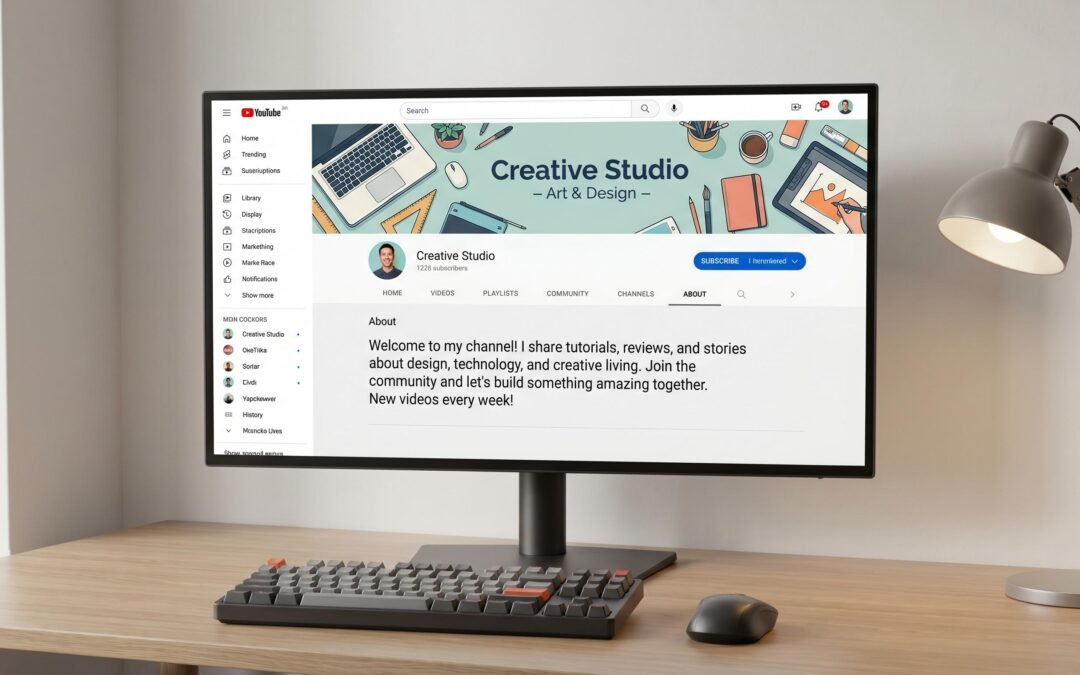
How to Write a Good YouTube Channel Description (With Examples)
Your YouTube channel description is one of the most underused SEO assets you have. Most channels burn through 1,000 characters of keyword real estate with a two-sentence bio that says nothing, ranks for nothing, and converts nobody. This guide fixes that with a clear framework, character limits that matter, and examples you can adapt today.
What should a YouTube channel description say?
A YouTube channel description should clearly state what your channel is about, who it serves, what viewers will get from subscribing, and how often you publish. Use your main keyword in the first 150 characters because that text shows in YouTube search results. Include your posting schedule, content focus, and a clear call to action like “subscribe for weekly tutorials.”
What Your YouTube Channel Description Actually Does
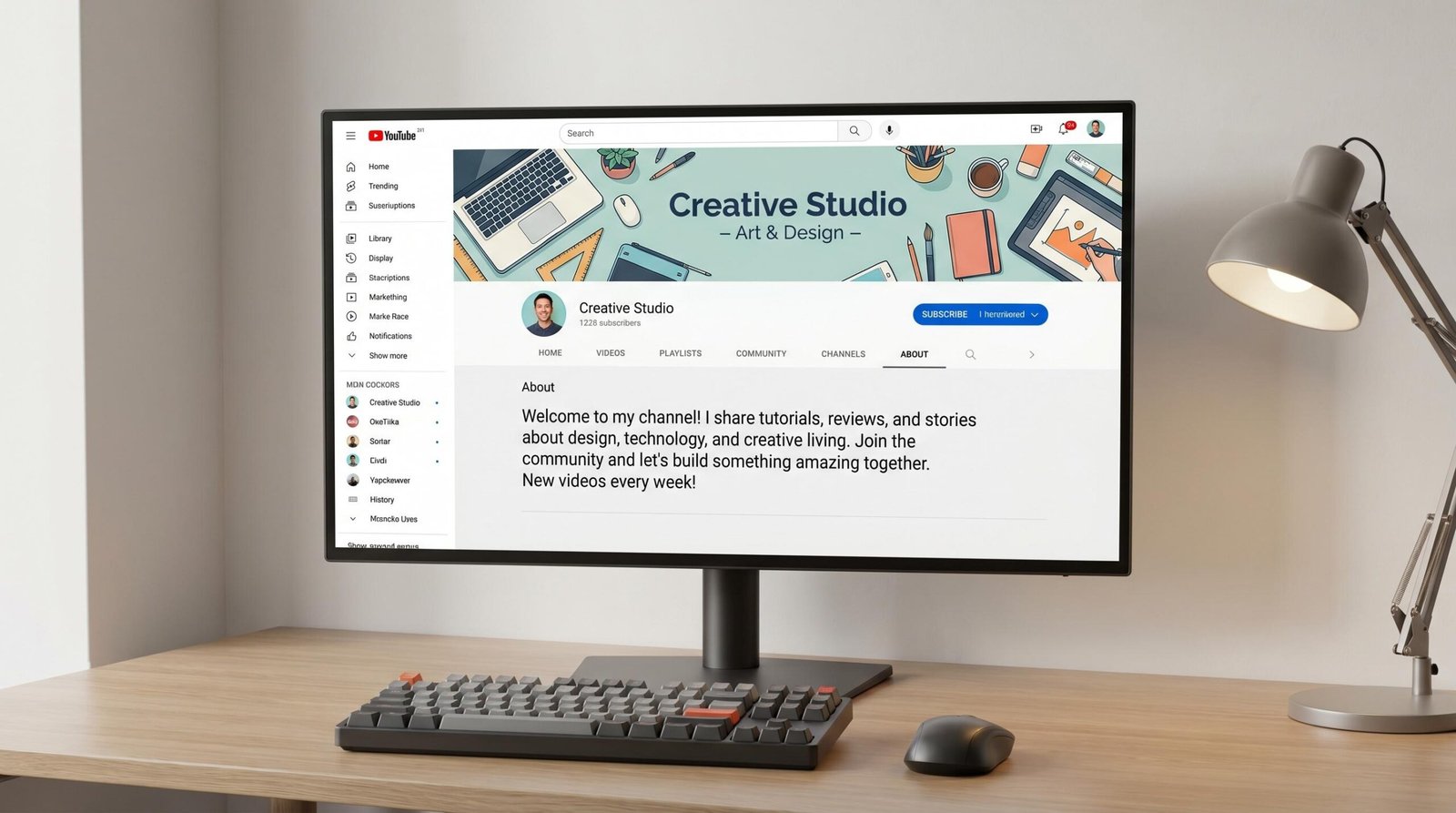
Creators treat the about section like a forgotten footer. YouTube treats it as a ranking signal. Here is where your channel description actually shows up:
- YouTube search results. When someone searches for a channel, YouTube pulls the first 100-150 characters of your description into the search preview.
- Google search results. Your channel description often appears as the meta description when your channel page ranks on Google.
- Knowledge panel. For established channels, Google may pull description text into the right-hand knowledge panel.
- Channel sidebar on videos. Some channel layouts show description snippets next to video player metadata.
- Browse and discovery surfaces. YouTube’s recommendation system uses channel-level metadata, including your description, to understand what your channel is about and who to recommend it to.
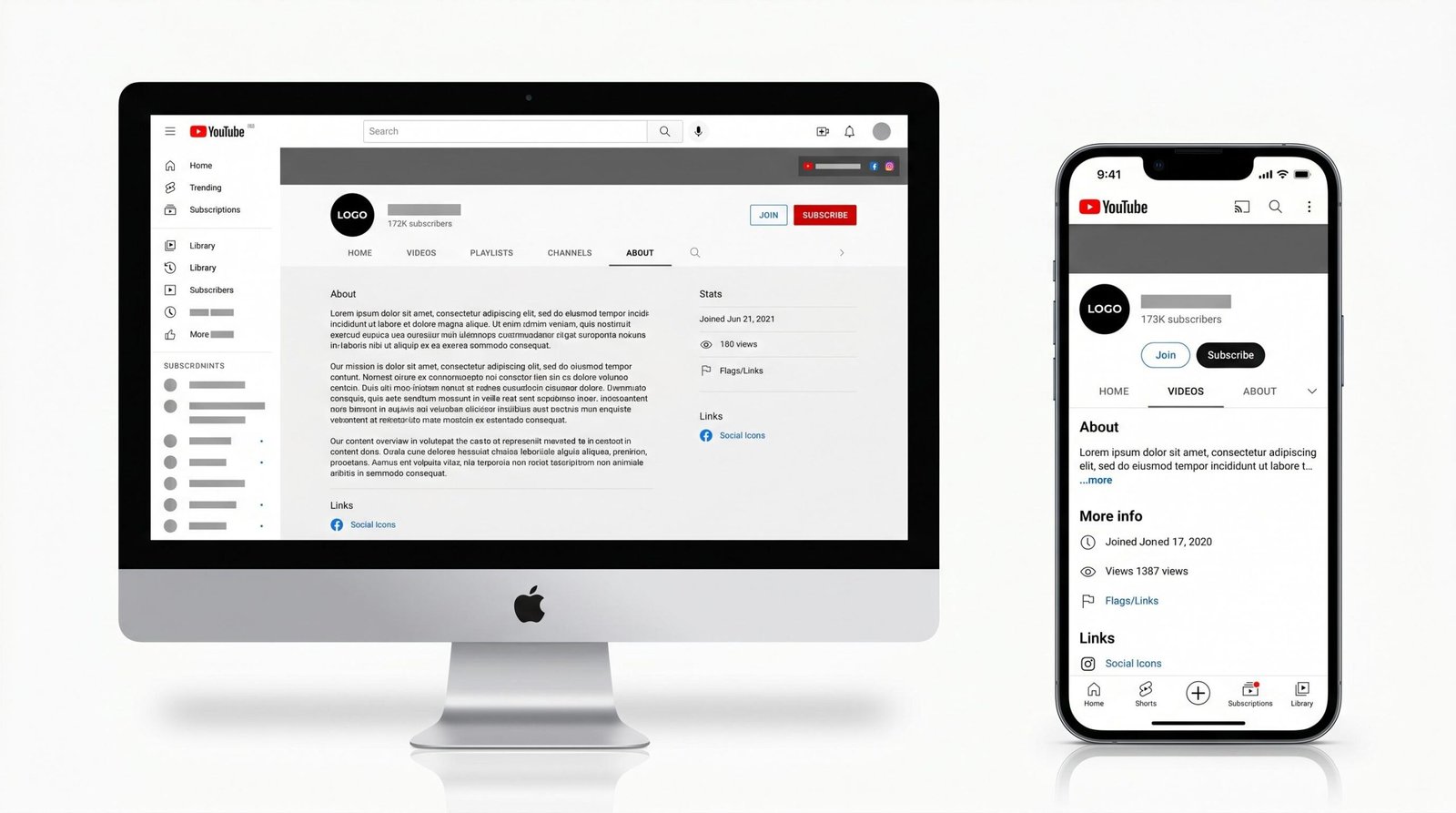
- The “About” tab itself. Viewers actively visiting your About tab read this in full before deciding to subscribe.
That is six different places one block of text can appear. We suggest treating those 1,000 characters like prime advertising space because that is what they are.
Character Limits and the Above-the-Fold Rule
YouTube allows up to 1,000 characters in your channel description. But the rule that matters more is the first 100-150 character window.
When your channel appears in YouTube search or Google’s knowledge graph, only those first 100-150 characters show before a “read more” cut-off. Everything after that exists for the algorithm and the visitor who already clicked into your About tab.
Three character thresholds worth remembering:
- First 100-150 characters: The hook. Must include your main keyword and channel value proposition.
- First 300 characters: Visible at a glance on most desktop About pages without scrolling.
- Full 1,000 characters: Total space for secondary keywords, schedule, calls to action, and links.
The mistake we see most often is creators front-loading the description with personal background (where they grew up, why they started the channel) and burying the actual channel topic at the bottom. Flip that. Lead with what the channel covers and who it serves. Save the origin story for paragraph two or three.
The 4-Part Channel Description Framework
Every high-performing channel description we have analyzed follows roughly the same structure. Here it is broken into four parts you can write in under fifteen minutes.
Part 1: What Your Channel Is About (Sentences 1-2)
Open with one clear sentence that says what someone gets when they watch your channel. Include your main keyword naturally.
Example: “Welcome to BudgetTech Reviews, where we test affordable laptops, phones, and accessories under $500.”
That single sentence contains the channel name, the niche keyword (affordable tech reviews), the price filter, and the product categories. A new visitor knows exactly what they signed up for.
Part 2: Who It Is For (Sentence 3)
Name your audience explicitly. “For students, remote workers, and anyone shopping smart for tech that punches above its price.” This does two things: it signals relevance to viewers in that group, and it helps YouTube’s recommendation system associate your channel with related audience interests.
Part 3: What You Deliver (Schedule + Content Type)
State your posting schedule and content format. “New reviews every Tuesday, plus deep-dive comparison videos at the start of each month.” This builds expectation, demonstrates consistency, and gives YouTube context about your upload patterns.
Part 4: Your Call to Action
End with a clear next step. “Subscribe and turn on notifications so you never miss a budget pick. For business inquiries, email contact@example.com.” Add your most important social links here, but only the ones that matter for your audience.
Channel Description Examples by Type
Here are five examples written using the framework, each tailored to a different channel category. Use them as templates, not scripts.
| Channel Type | Example Description | What Makes It Work |
|---|---|---|
| Tech Review | “BudgetTech Reviews tests affordable laptops, phones, and gadgets under $500. We help students and remote workers find tech that performs above its price tag. New reviews every Tuesday and deep-dive comparisons monthly. Subscribe for honest verdicts. Business inquiries: contact@example.com.” | Keyword “affordable laptops” sits in the first 100 characters. Audience (students, remote workers) is explicit. Schedule is stated. Clear CTA and contact path. |
| Cooking and Recipe | “Weeknight Wok serves up 30-minute Asian-inspired recipes that anyone can make with a single pan. Perfect for busy home cooks who want big flavor without long prep. New recipes every Sunday, plus pantry-staple roundups monthly. Subscribe and hit the bell for weekly meal inspiration.” | Niche descriptor “30-minute Asian-inspired recipes” is searchable and specific. Pain point (no long prep) is named. Posting schedule sets expectation. |
| Gaming | “Stratlane Plays covers strategy games, roguelikes, and indie tactics titles with tutorials, builds, and full playthroughs. Built for players who love thinking before they click. Live streams Thursdays, edited guides every weekend. Subscribe for build guides that actually work.” | Game genres (strategy, roguelike, tactics) act as keywords. Audience is qualified (“players who love thinking”). Live and edited content distinction is helpful. |
| Business and Entrepreneurship | “Lean Founder Studio teaches first-time entrepreneurs how to validate, launch, and scale lean startups without venture capital. Practical case studies, no fluff, no guru talk. New strategy videos every Wednesday plus a founder interview each Friday. Subscribe to build smarter.” | Specific audience (first-time entrepreneurs), explicit positioning (“without venture capital”), and direct value statement (“no fluff, no guru talk”). Two-day posting cadence signals seriousness. |
| Tutorial and Education | “Pixel Lessons teaches digital art tutorials for Procreate, Photoshop, and Krita, from absolute beginners to intermediate artists working toward freelance commissions. Step-by-step lessons every Monday, plus tool reviews on Fridays. Subscribe and download our free brush pack in the link below.” | Software names (Procreate, Photoshop, Krita) function as long-tail keywords. Skill range is defined. CTA pairs subscribing with a tangible free resource. |
Keyword Placement in Channel Descriptions
YouTube uses the about section as a signal for understanding your channel’s topic and matching you to relevant searches. That does not mean you should keyword-stuff. It means you should be deliberate.
Three keyword placement rules we suggest:
- Place your main keyword in the first 150 characters. This is the snippet YouTube and Google show in previews. If your main keyword is “vegan recipes,” the phrase should appear before character 150.
- Use 2-4 secondary keywords naturally across the description. If your main keyword is “vegan recipes,” secondary keywords might include “plant-based meal prep,” “easy vegan dinners,” and “high-protein vegan.” Sprinkle them where they fit sentences naturally.
- Match your video and channel keywords. If your videos consistently target “home gym workouts,” your channel description should include that phrase verbatim. Channel-level and video-level metadata reinforcing the same topic is one of the clearest signals you can send.
For a deeper look at how channel-level keywords connect to individual video performance, see our complete YouTube video optimization checklist.
What NOT to Include in a YouTube Channel Description
Avoid these patterns. They either dilute your ranking, look unprofessional, or both.
- Keyword stuffing. Listing “vegan recipes, vegan food, vegan cooking, vegan dinner, plant-based recipes, plant-based meals” as a comma-separated dump reads as spam and YouTube treats it that way.
- Excessive emojis. One or two icons used as visual anchors are fine. Twenty emojis make your description look like a teenage Instagram bio and crowd out searchable text.
- Social handles without context. “Follow me @username on TikTok, IG, X, Threads” wastes characters. If you list links, give a one-line reason someone should click.
- Generic openings. “Welcome to my channel where I share my passion for content” tells the algorithm nothing. Start specific.
- Outdated information. If your description references your old posting schedule, an upload milestone from three years ago, or a podcast you no longer run, fix it. Stale metadata is a low-effort win to clean up.
- Walls of text. Use line breaks. Visitors who open your About tab should be able to scan it.
How to Update Your YouTube Channel Description
Updating the description takes about two minutes once you know where the field lives. Here is how to do it on both desktop and mobile.
Desktop (YouTube Studio)
- Sign in to studio.youtube.com with the Google account associated with your channel.
- In the left sidebar, click Customization.
- Click the Basic info tab at the top.
- Scroll to the Description field and edit your text.
- Click Publish in the top right to save.
Mobile (YouTube App)
- Open the YouTube app and tap your profile icon in the top right.
- Tap Your channel.
- Tap the pencil edit icon next to your channel info.
- Tap the Description field and update the text.
- Tap Save in the top right.
YouTube typically refreshes the public-facing description within minutes, though search snippet updates can take longer to propagate.
Quick-Start Templates
If you want a working template you can drop into your channel today, our YouTube description template covers both channel-level and video-level structures. For automated drafting based on your niche, the YouTube description generator handles first drafts in seconds. And if individual video descriptions are your next priority, read how to write a YouTube description for the video-specific framework.
Frequently Asked Questions
How long should a YouTube channel description be?
Aim for 400-800 characters. YouTube allows up to 1,000, but most strong descriptions land in that middle range because it leaves enough room for the four-part framework without padding for the sake of length. The first 150 characters are the most important because that snippet appears in search previews.
Do YouTube channel descriptions affect SEO?
Yes. YouTube uses your channel description as one of several signals to understand what your channel is about, which audiences to recommend it to, and which searches it should appear in. It also affects how your channel page ranks and previews on Google.
What keywords should I put in my YouTube channel description?
Use one primary keyword that describes your channel topic (for example, “home barista coffee tutorials”) in the first 150 characters. Add 2-4 secondary keywords throughout the rest of the description, matching the topics your videos actually cover. Avoid comma-separated keyword lists.
How often should I update my channel description?
Review it every 3-6 months, and update it whenever your niche, posting schedule, or audience focus shifts. If you have launched a new content series, changed your upload frequency, or added a major secondary topic, refresh the description to match.
Should I include links in my YouTube channel description?
Yes, but be selective. Include your most important external link (website, newsletter, or shop), one or two relevant social handles, and a business contact email if you accept brand work. Avoid listing every platform you have ever joined. YouTube also has a dedicated “Links” field separate from the description, which is the better place for primary URLs.
What is the character limit for YouTube channel descriptions?
The maximum is 1,000 characters. The functional limit for the snippet shown in YouTube search results and Google previews is roughly 100-150 characters, which is why we suggest front-loading your main keyword and value proposition there.